Players and sharing
Permissions and Visibility
Understand campaign roles, sharing audiences, content-level controls, and player-owned privacy.
About 9 minutes
Campaign roles
Owners control campaign-wide settings, integrations, data operations, and collaborators. GMs build and run campaign content. Viewers can inspect the GM workspace without changing it. Players use a separate workspace containing only shared and player-owned content.
Choose what the audience receives
Audience and content are separate decisions. A shared entity can expose its summary while withholding notes, portrait, type-specific metadata, and custom fields.
- Use the summary for the safe at-a-glance identity.
- Share all notes only when every passage is ready for players.
- Use partial note sharing for selected player-safe passages.
- Share portraits, metadata, and custom fields independently.
Important
Names and summaries can contain spoilers. A technically correct field configuration cannot make spoiler-heavy wording safe.
Visibility matrix
GM-authored entities begin private and require an audience plus at least one shared content area. Player-private entities belong to their author and may optionally be reviewed by the GM. Player-communal entities remain with the group in which they were created and are always visible to the GM.
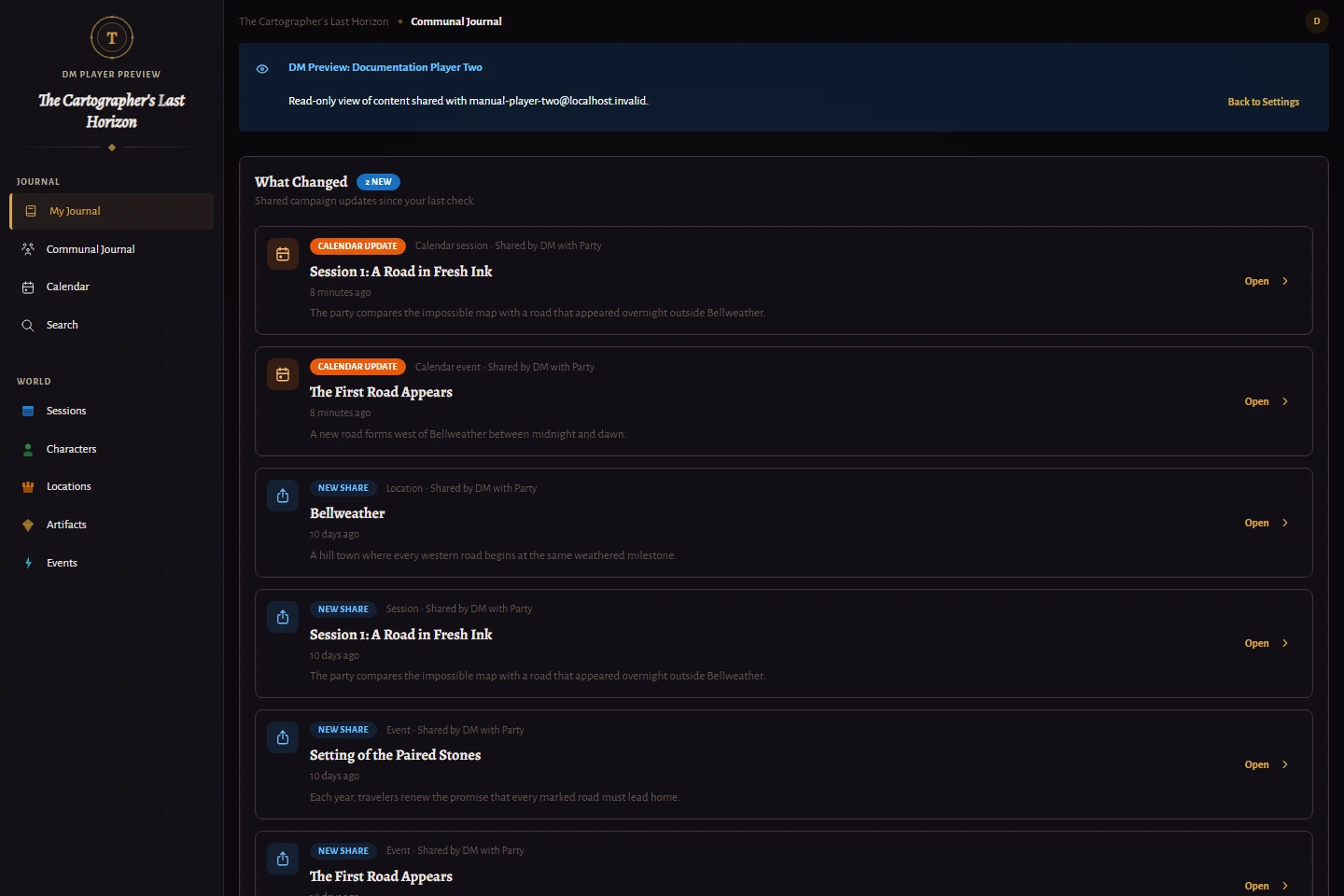
Communal journals follow the same group boundary. Private journals remain author-only unless the player enables GM review. View as Player is read-only and does not bypass these rules.
Verify before a reveal
- Open Campaign Settings, then Players.
- Choose View as Player for the intended recipient.
- Check the entity list, detail page, search results, and calendar when applicable.
- Return to the GM workspace and adjust the audience or content controls if anything is missing or exposed too early.
Best practice
Test with the most restricted intended player. Broader access can hide mistakes that affect only an individual or small group.