Core workflows
Navigation and Search
Move through a campaign, search efficiently, and understand saved workspace state.
GM + Player
About 5 minutes
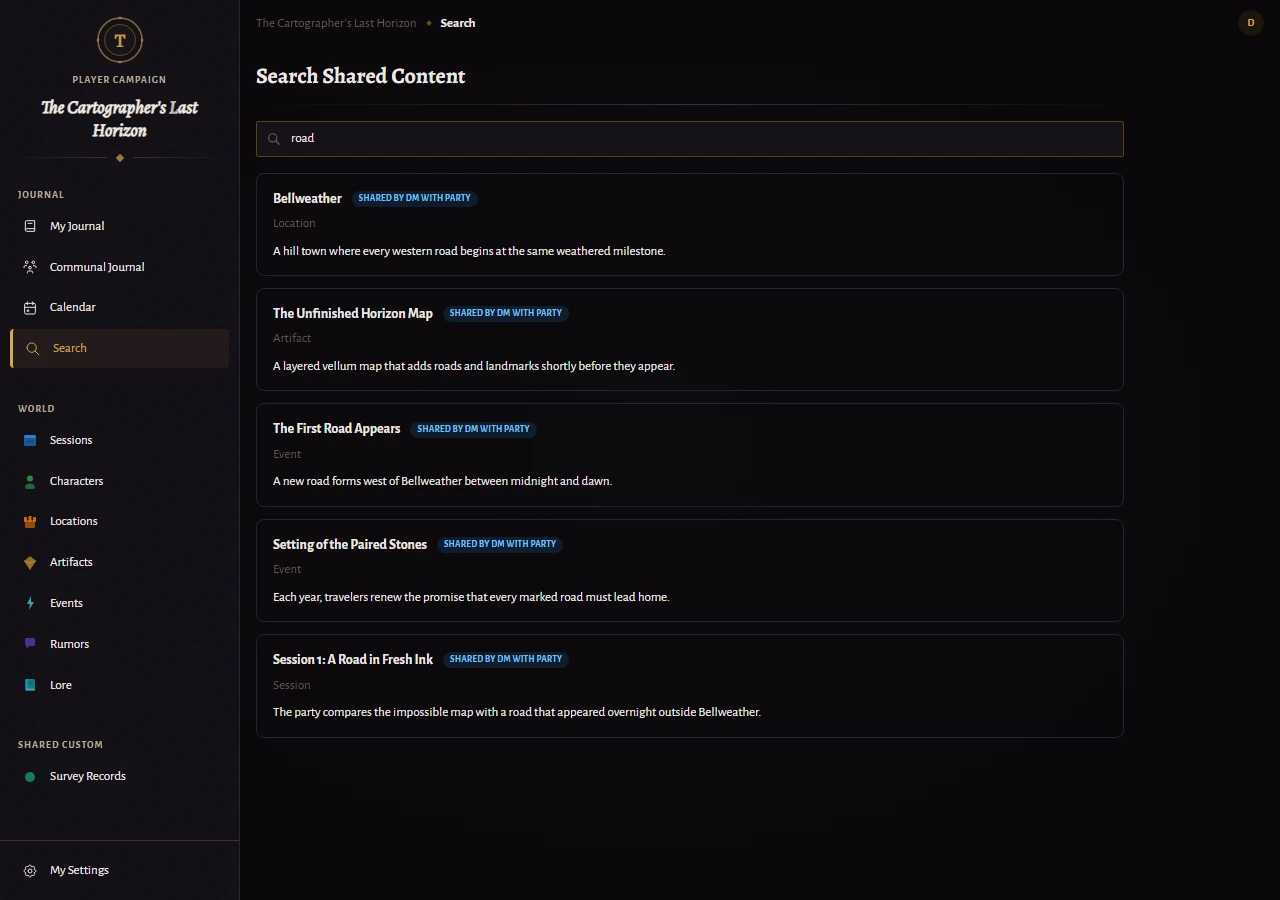
Search the campaign
- Open Search from the sidebar or use the search control in the top bar.
- Enter a distinctive name or phrase. Results search across the campaign content available to your role.
- Open a result directly, or narrow your query when names are similar.
Best practice
Use specific in-world names rather than broad categories. Search is most effective when entities have clear names and summaries.
Drafts and autosave
Inline fields and rich notes show their save state while you work. New-entity and player-journal drafts can remain available while you move through the workspace.
Important
Resolve stale-content warnings before continuing. They mean another saved version may be newer than the one currently on screen.