Core workflows
Entities and Notes
Create durable campaign records with fields, notes, media, history, and relationships.
GM
About 10 minutes
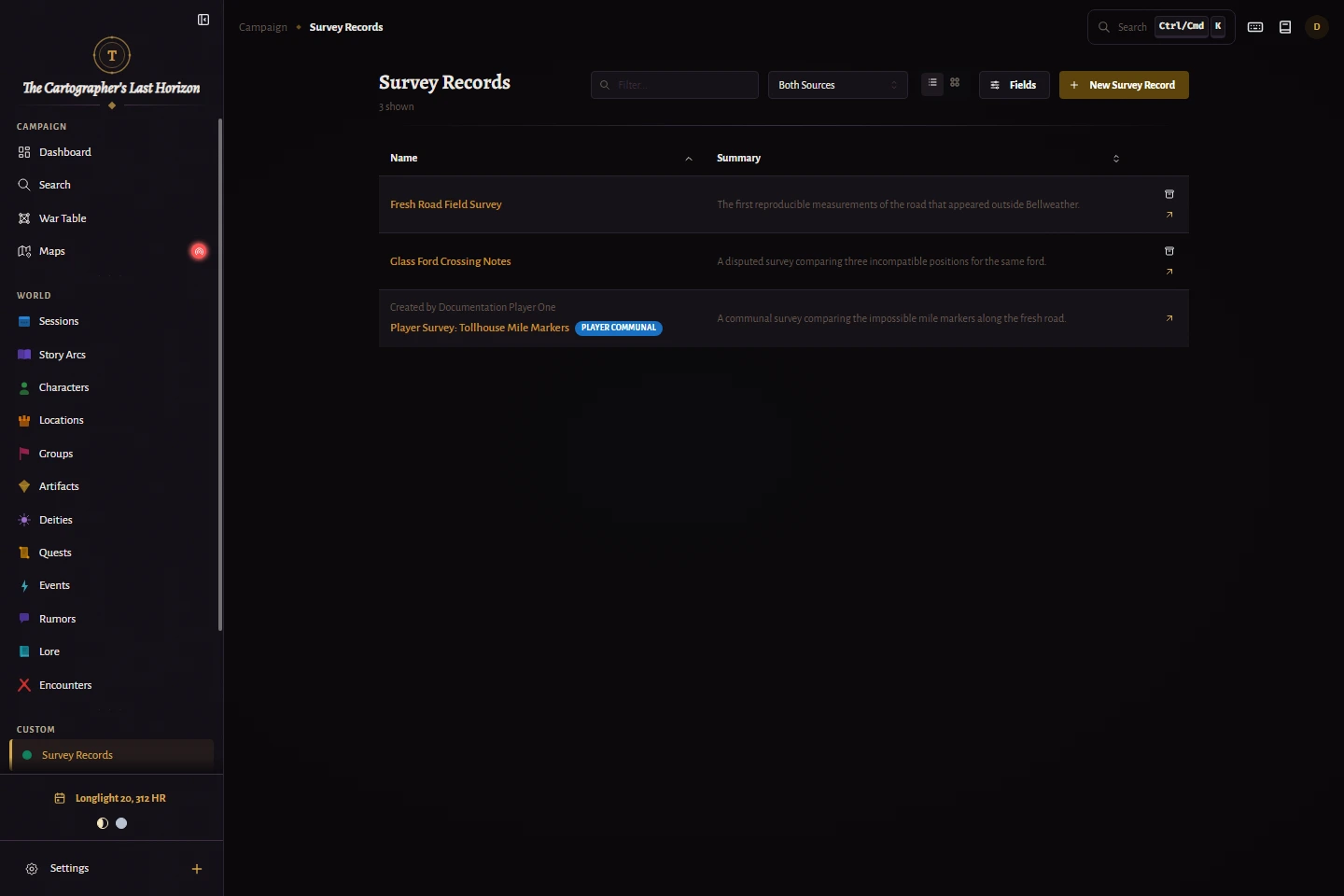
Create an entity
- Select New in the campaign sidebar or create from the relevant entity list.
- Choose an entity type and enter a recognizable name.
- Write a short summary for lists and at-a-glance context.
- Complete only the fields that are useful now, then save.
Write connected notes
Rich notes hold freeform campaign detail. Type @ while editing to mention another entity and create a navigable connection in the prose.
Best practice
Keep stable facts in summaries and fields; use notes for evolving plans, context, and session discoveries.
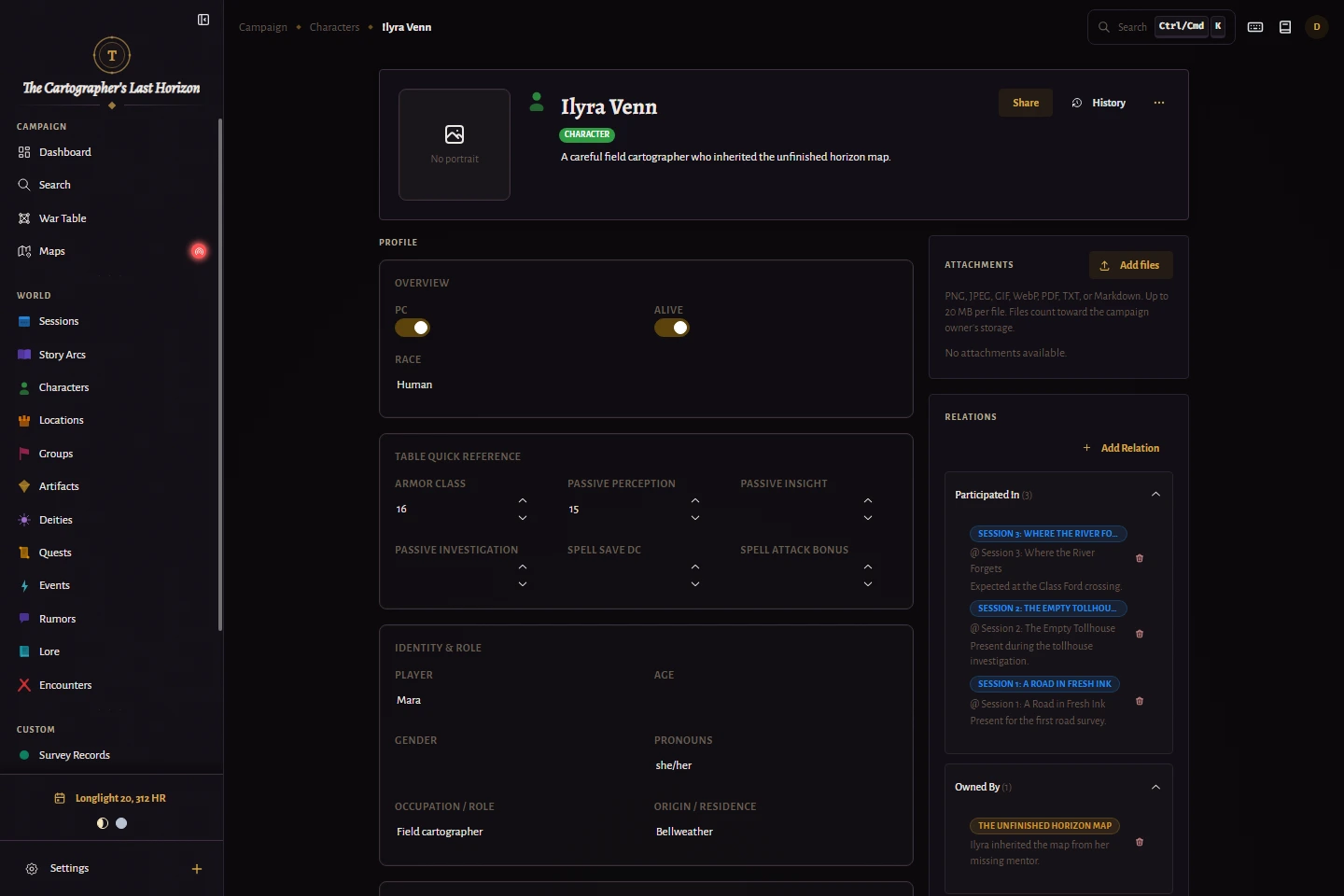
Add context and history
- Add a portrait or image when visual recognition helps at the table.
- Attach supporting files that belong with the entity rather than in a separate archive.
- Create explicit relationships to describe how entities affect one another.
- Open field history when you need to review or recover an earlier value.
Archive instead of erasing context
Archiving removes an entity from active lists while preserving its campaign history and relationships. Restore it when it becomes relevant again.
Best practice
Archive retired, disproven, or mistakenly created records. This keeps connected campaign history recoverable without cluttering active lists.