Core workflows
Maps and Calendar Basics
Place campaign locations in space and events in time without revealing hidden information.
GM
About 8 minutes
Create a campaign map
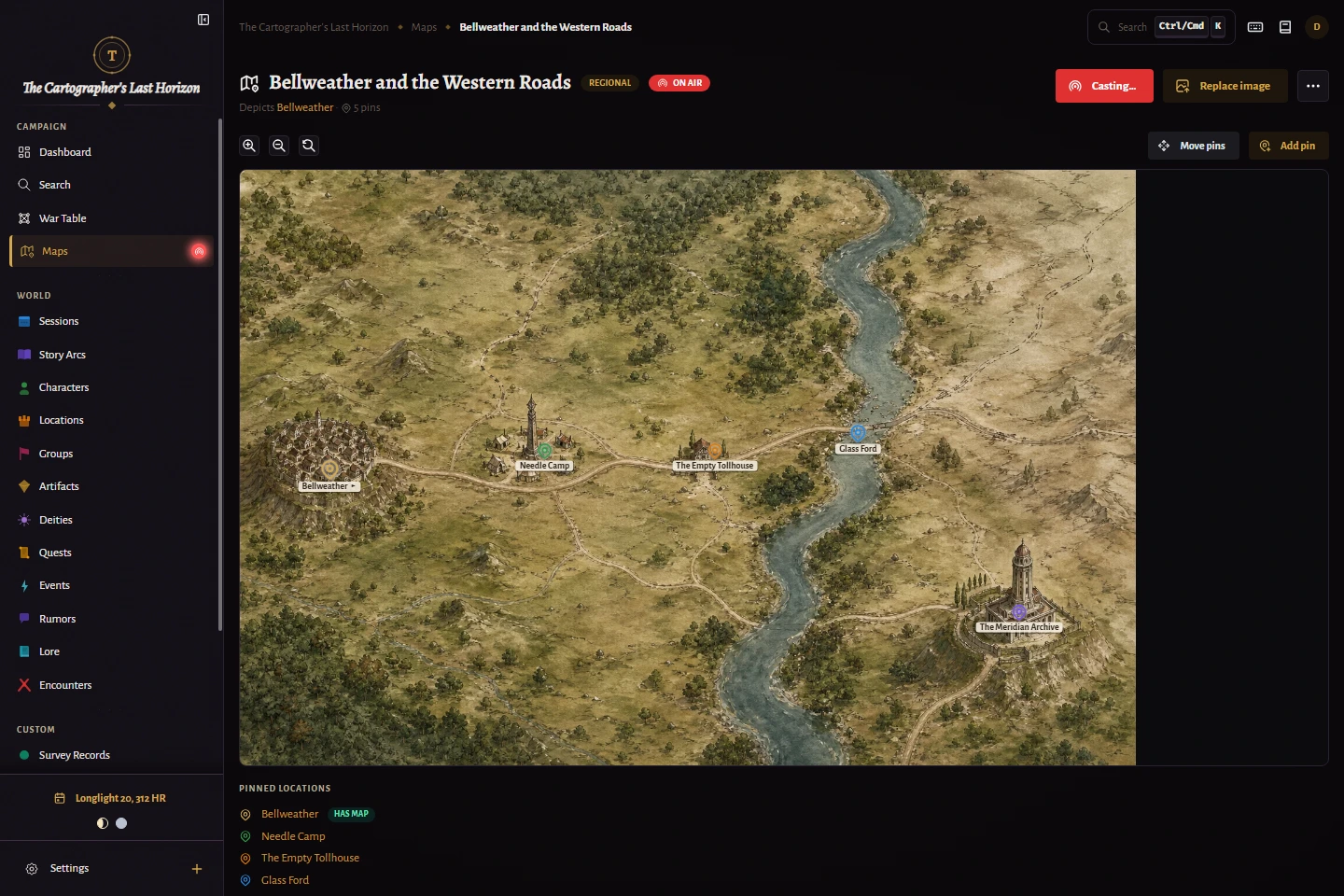
- Open Maps and add a map image.
- Give the map a clear name and choose its kind.
- Select Add pin, click its position, and link an existing location or create a new one.
- Choose the marker, color, size, and optional label, then move the pin when its position needs adjustment.
- Enable Show on stream only when the map and pin are safe for the OBS audience.
Best practice
Create location entities before placing pins. The map then becomes another way to navigate the same campaign knowledge.
Use the campaign calendar
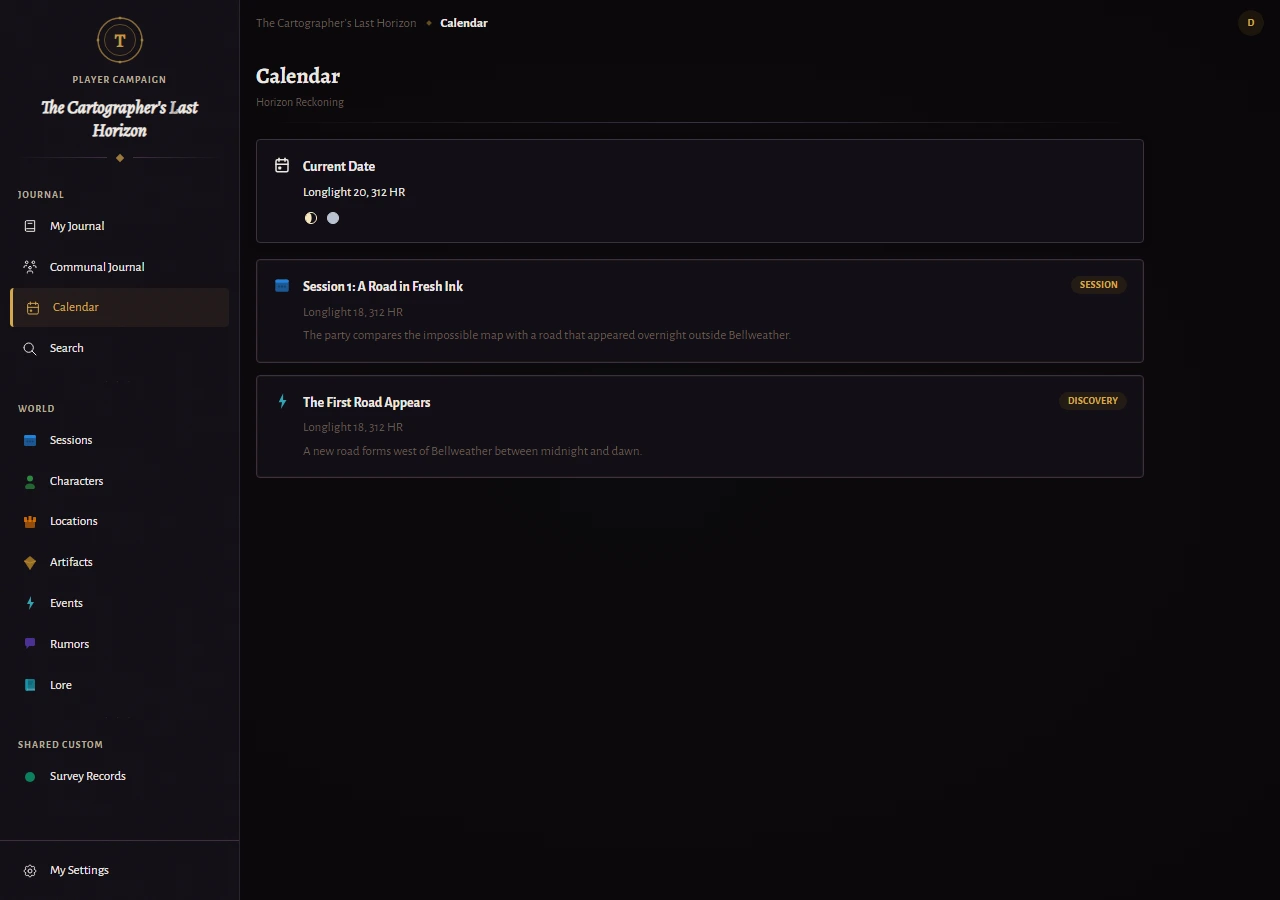
- Enable a preset or custom calendar from Campaign Settings, then World.
- Set the current campaign date from the date control in the top bar.
- Add dated events and recurring annual events.
- Use Calendar for month-level planning and Timeline for longer campaign history.
- Review which dated entries are shared before directing players to their calendar.